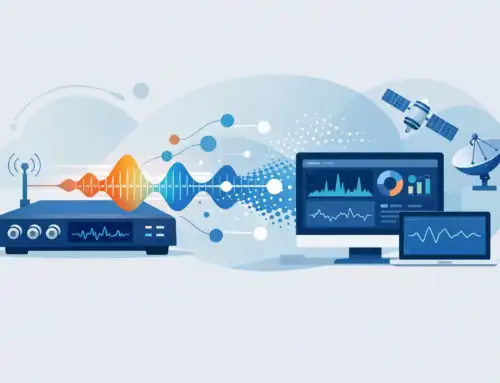
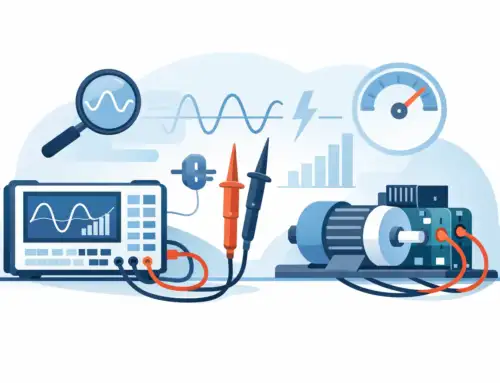
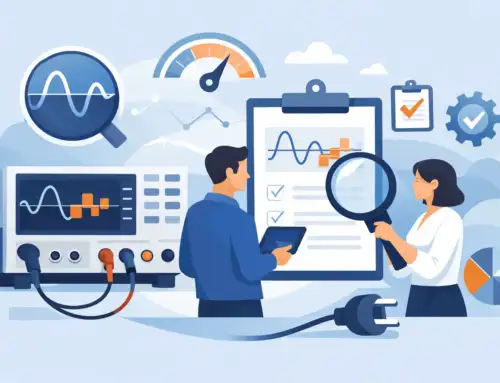
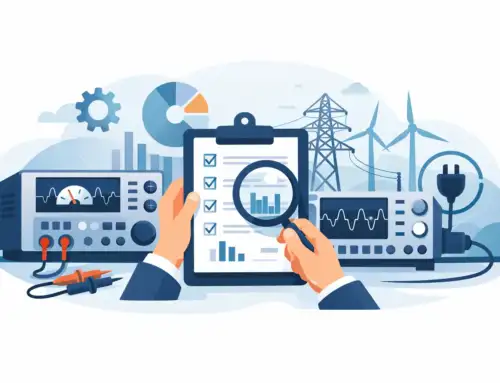
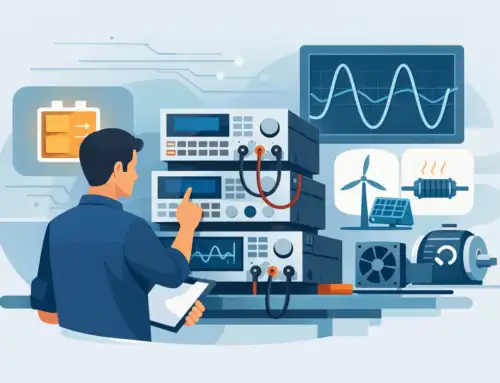
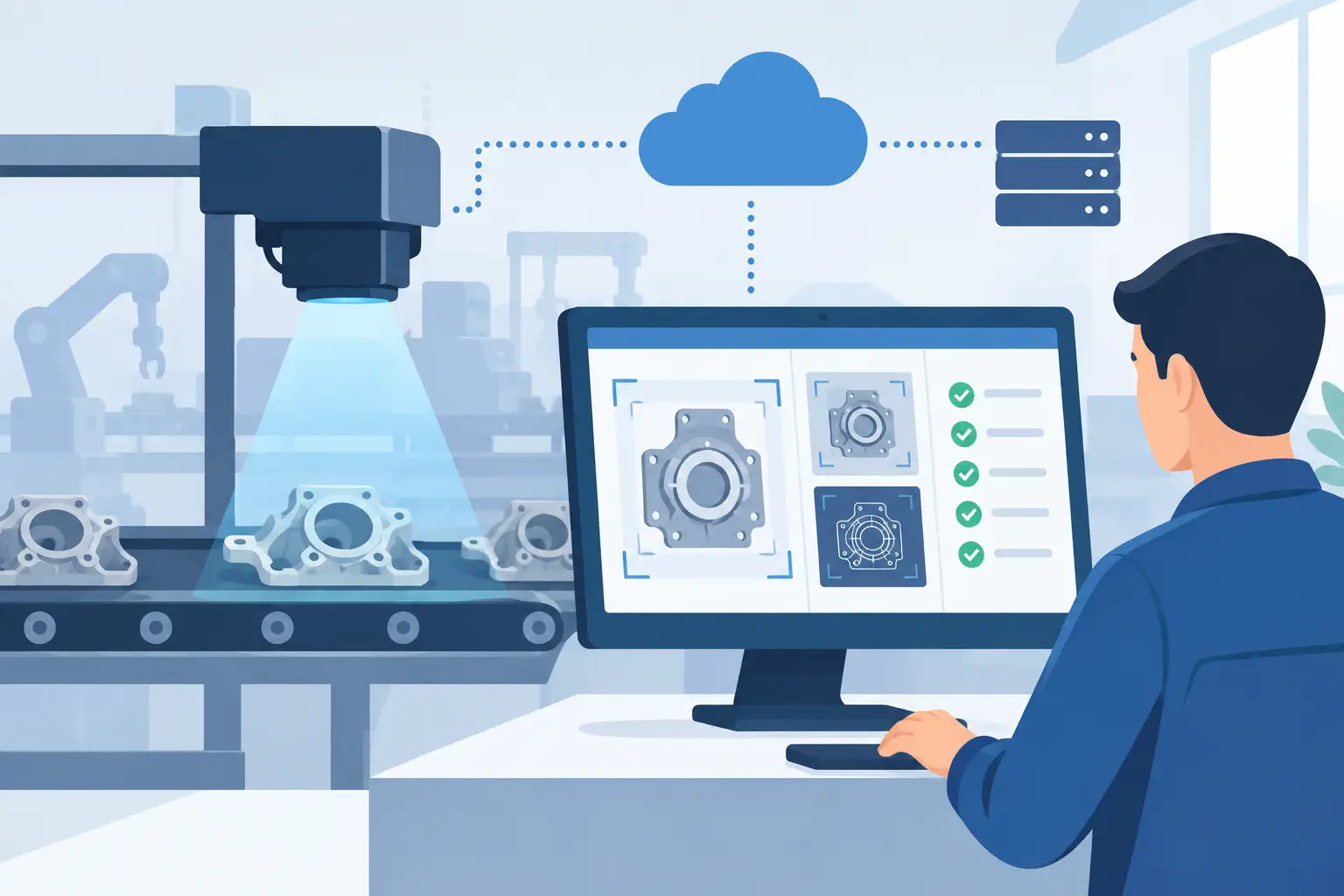
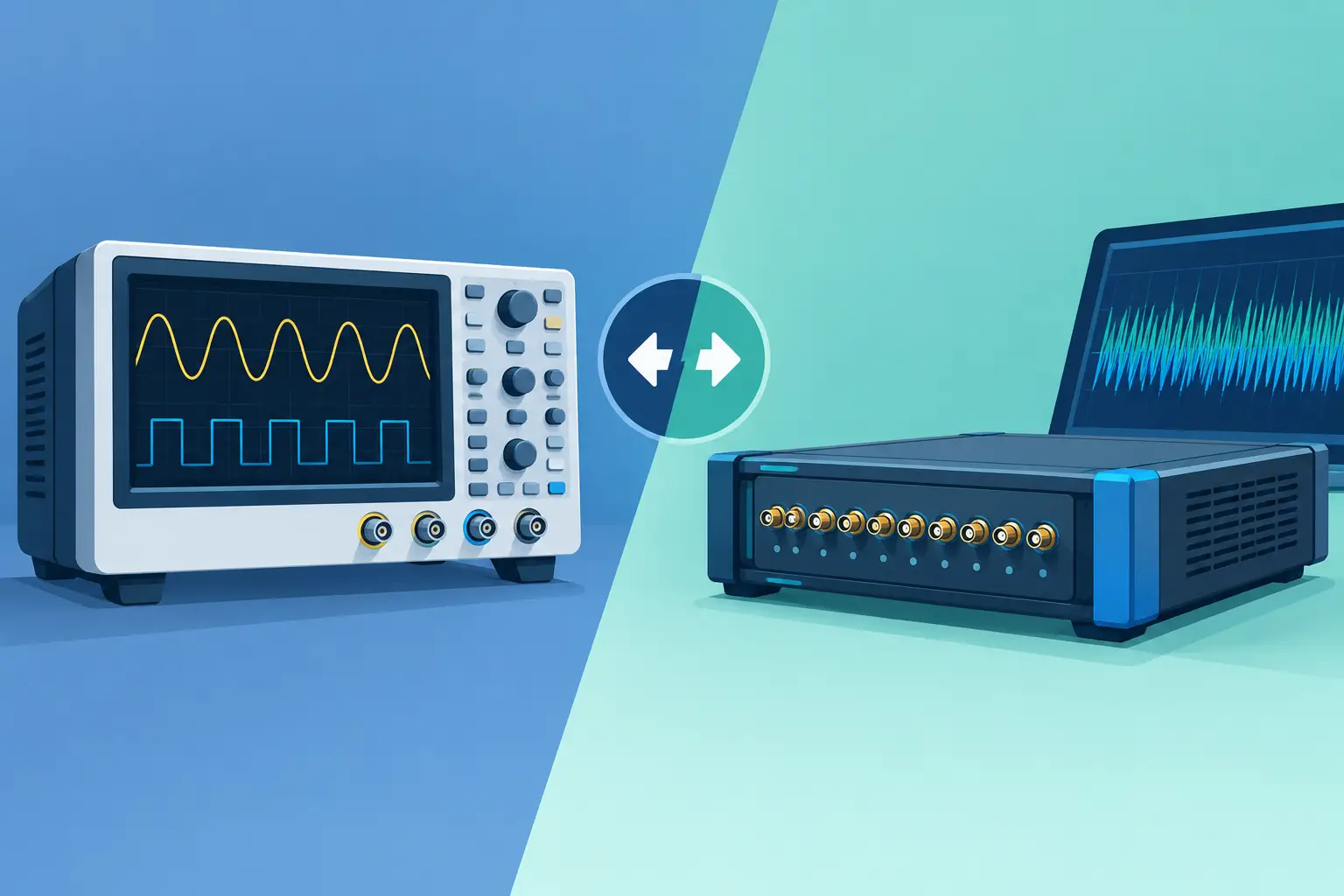
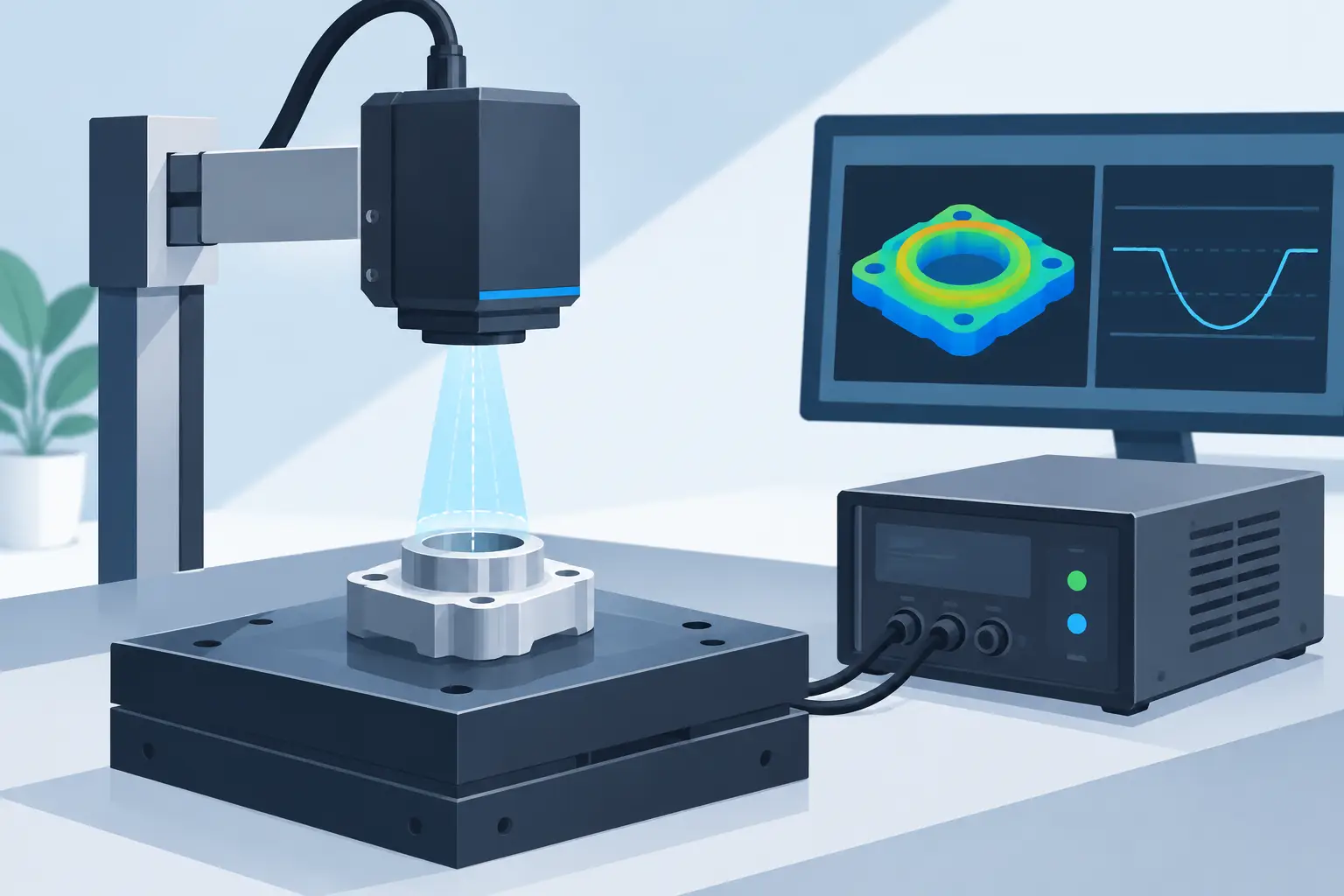
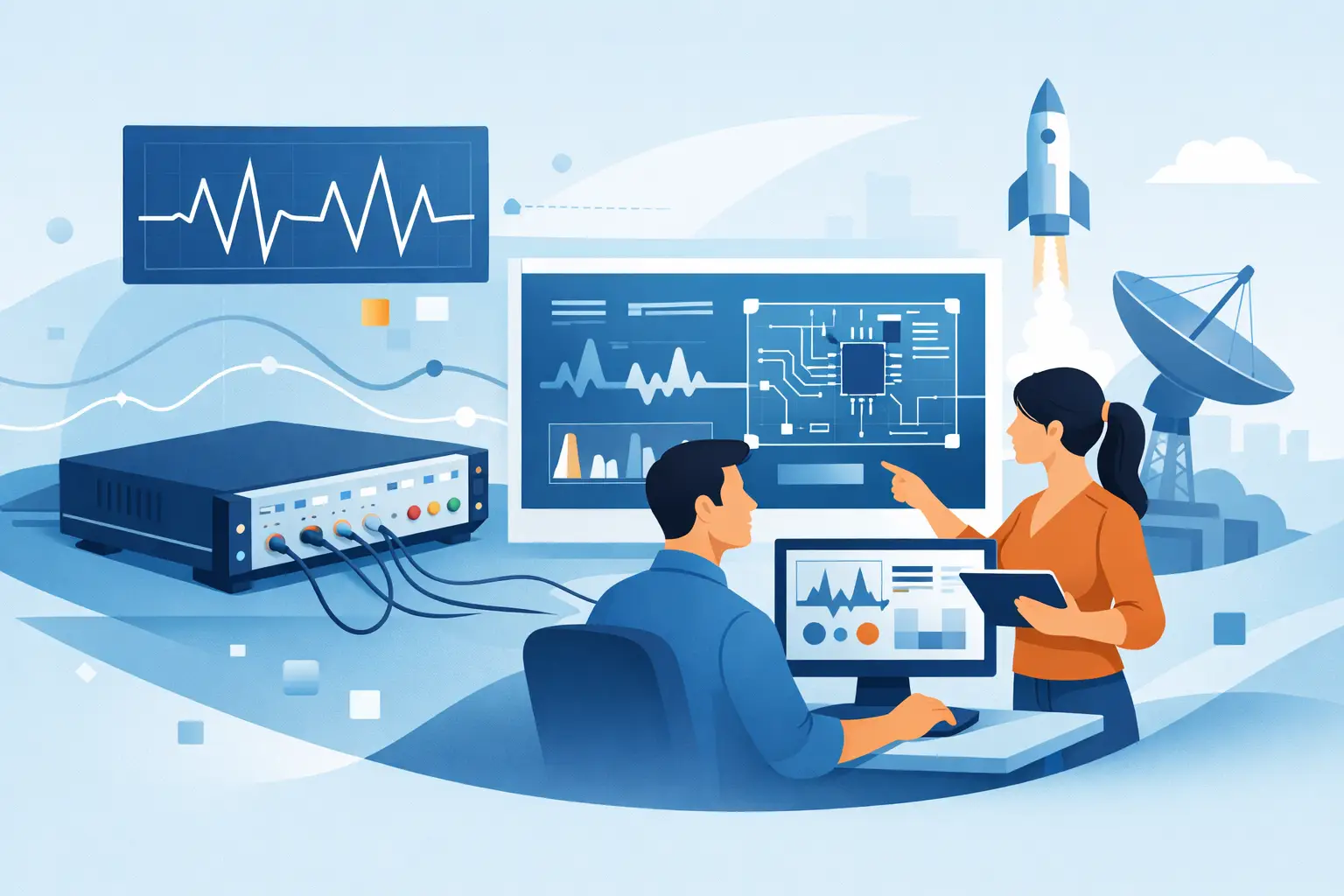
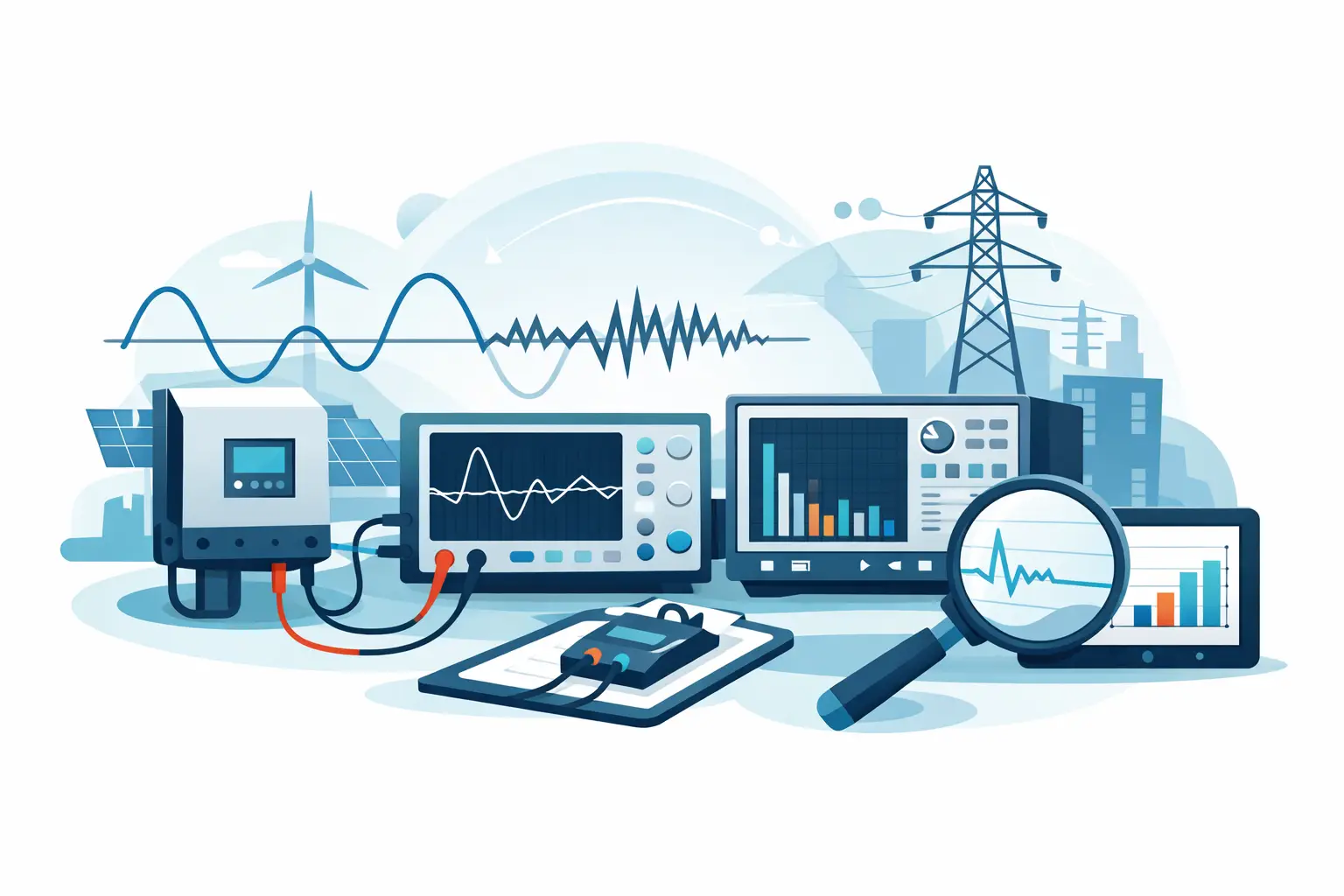
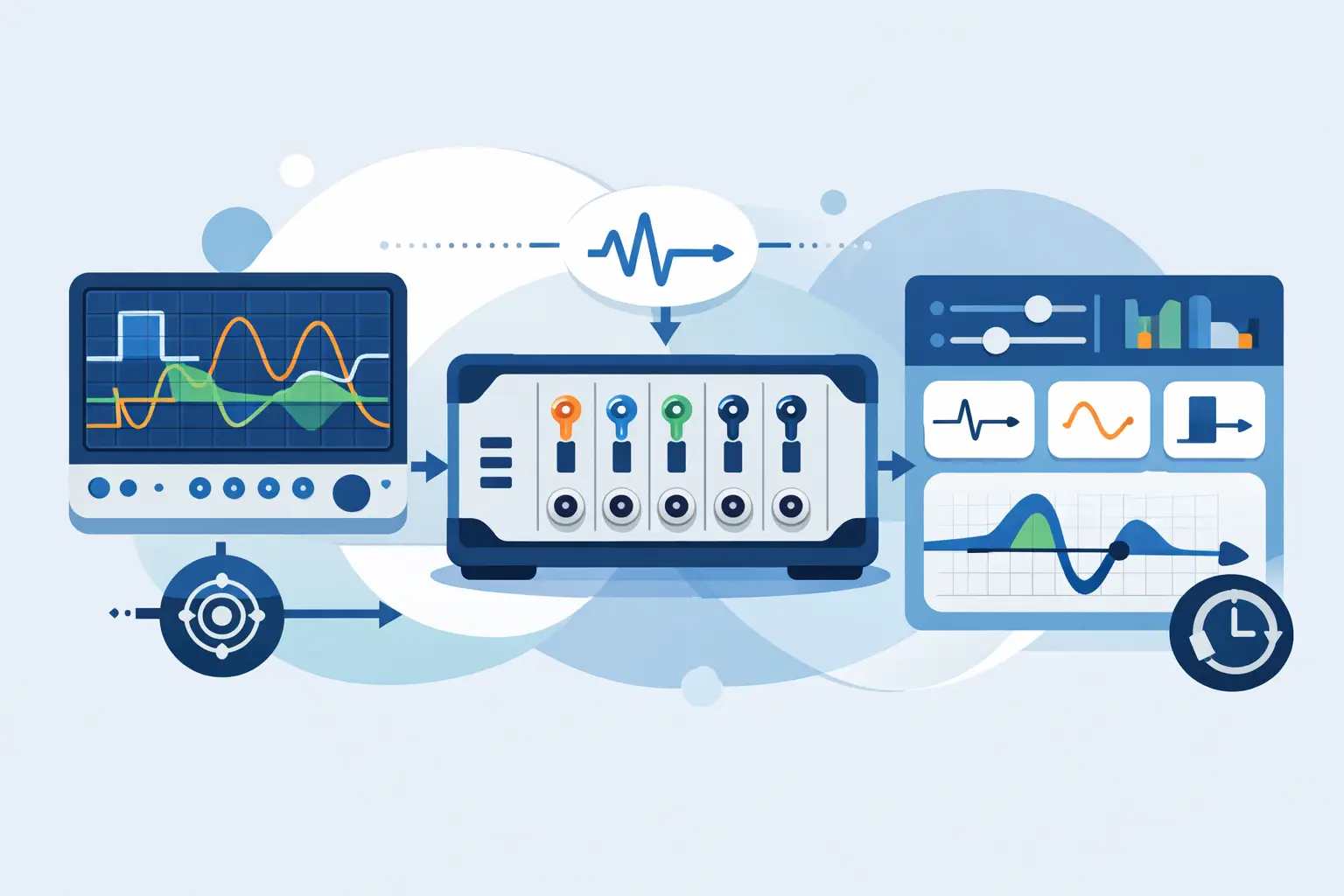
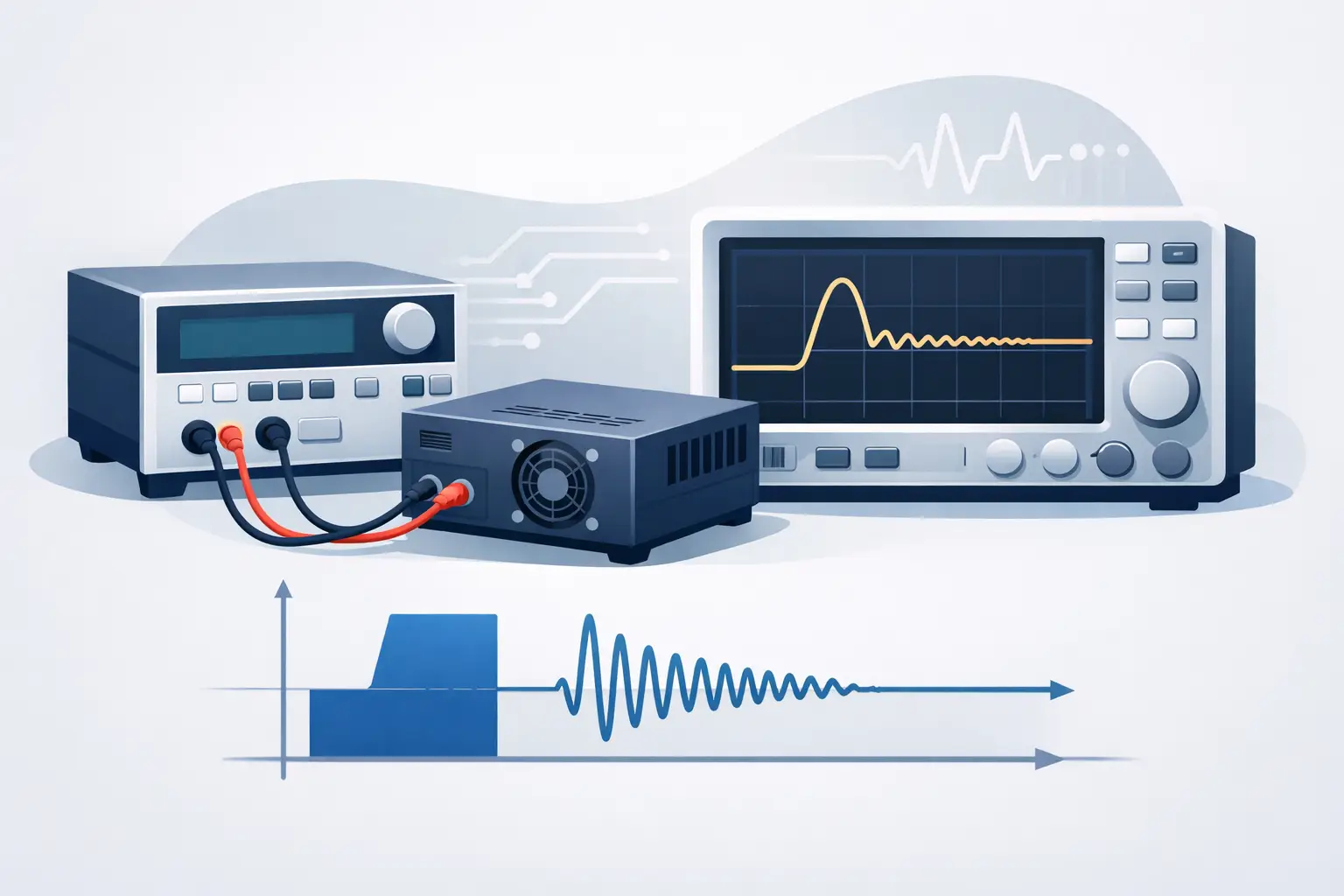
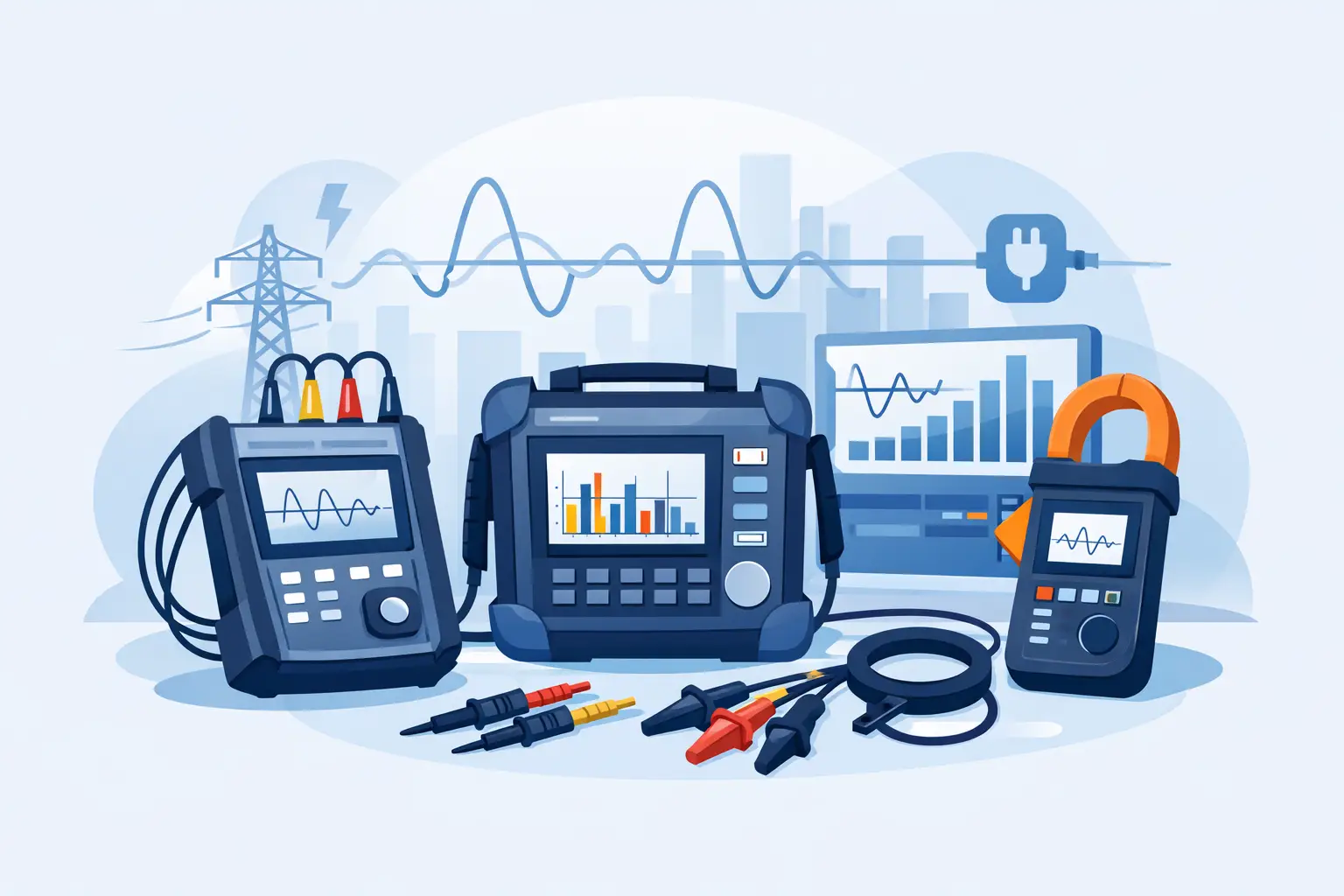
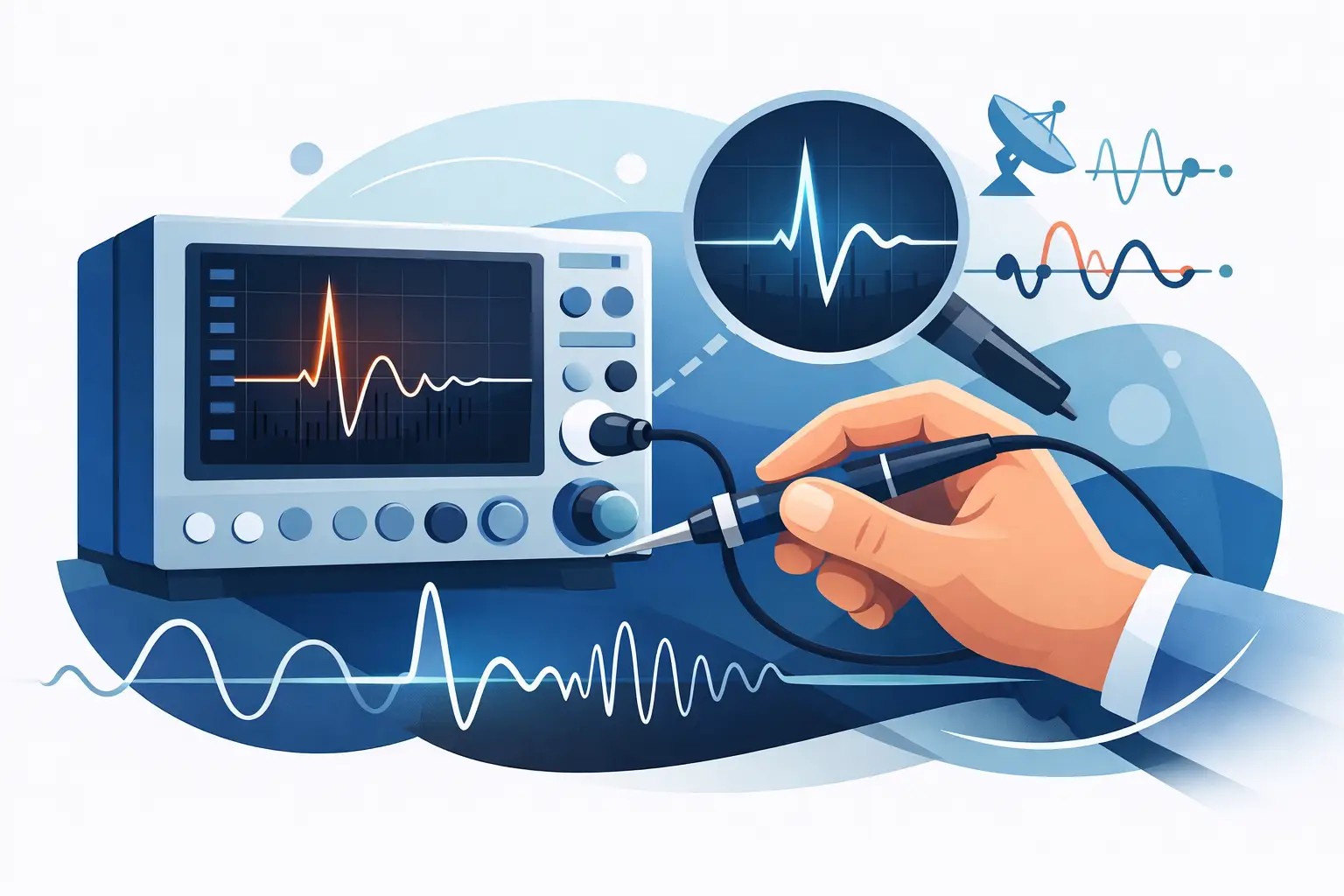
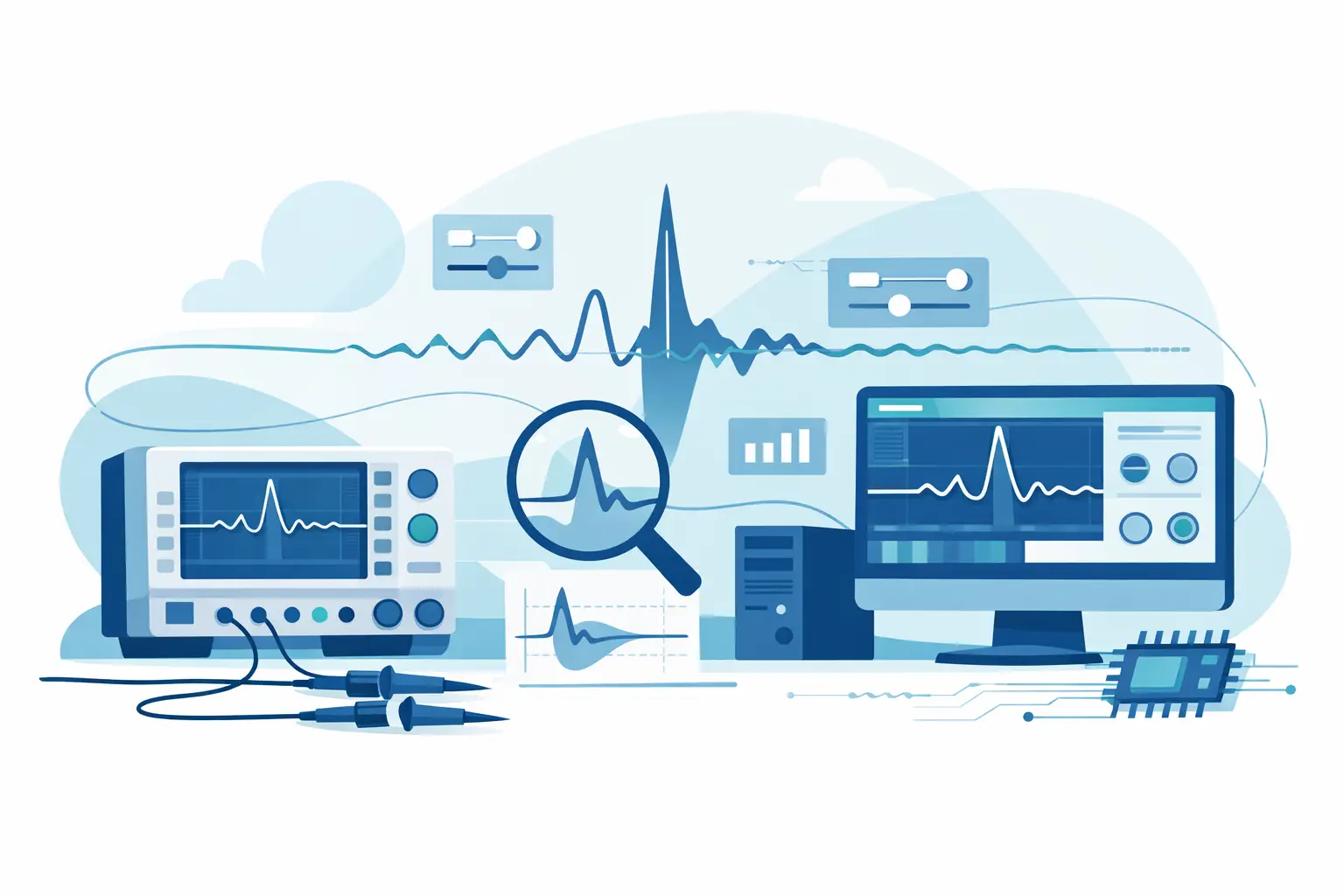
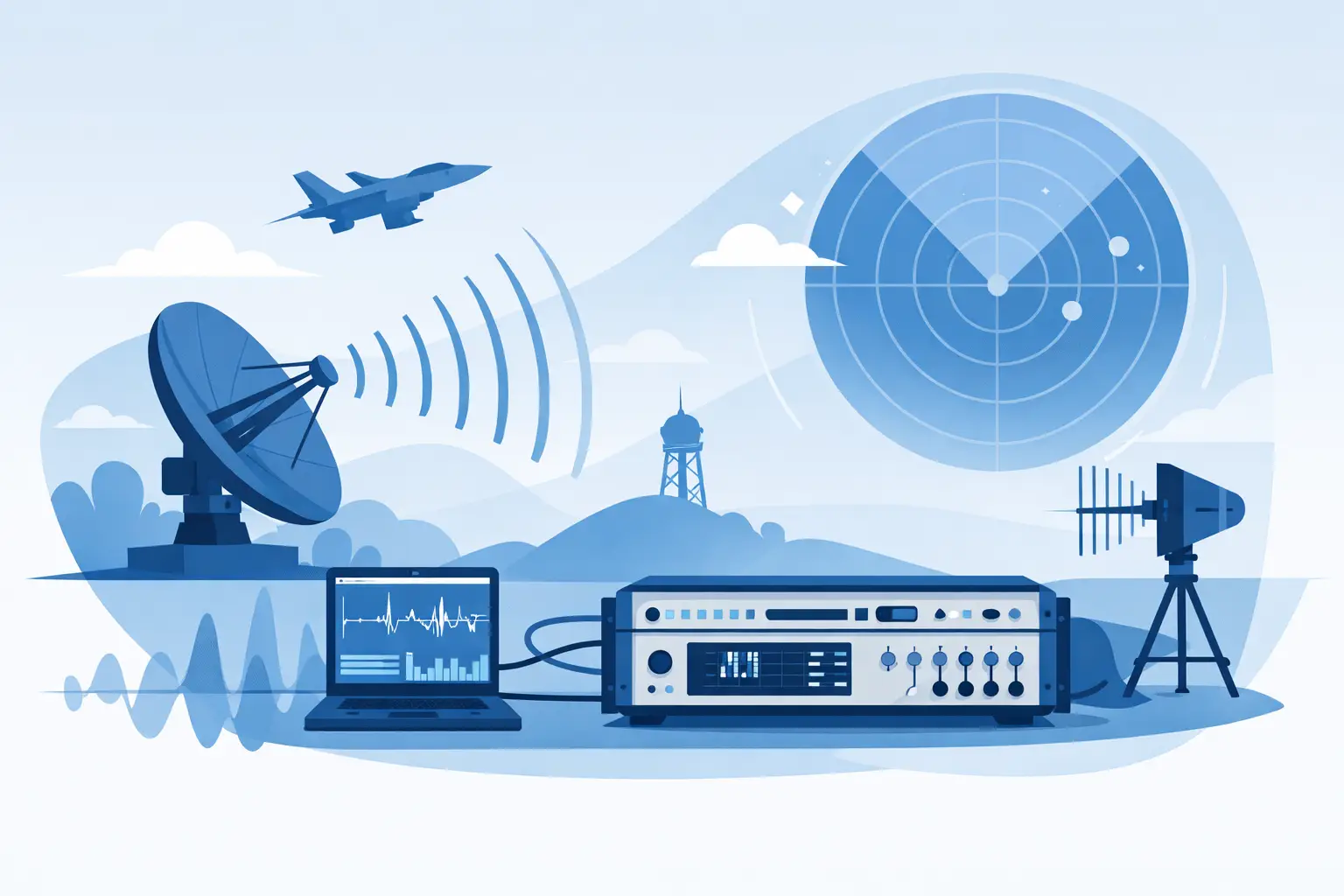
A missed RF event cannot be reconstructed after the fact. Whether the target is an intermittent radar emission, a communications burst, a spectral interference source, or an RF subsystem fault, the value of recorded data depends on more than a file being saved. The best rf recording software preserves signal fidelity, maintains dependable timing, and gives engineers a practical path from capture to replay and analysis.
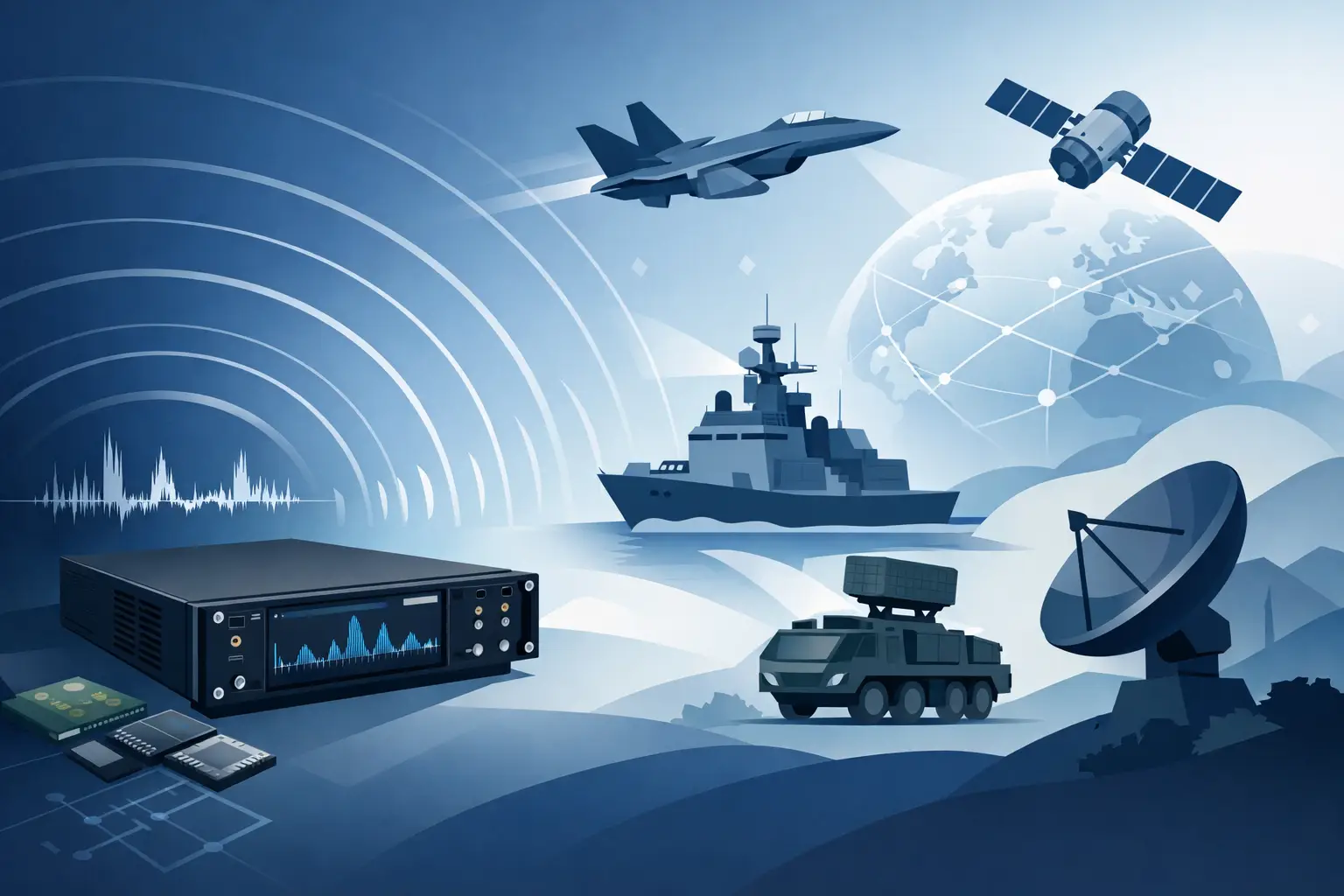
For aerospace, defense, research, and advanced manufacturing teams, RF recording software should be evaluated as part of the acquisition system, not as a standalone desktop utility. Digitizer performance, host interface bandwidth, storage architecture, trigger strategy, file format, and analysis workflow all affect whether the captured record is usable for engineering decisions.
What the Best RF Recording Software Must Do
At a basic level, RF recording software acquires digitized RF or IF data and writes it to storage for later review. In a performance-critical application, that definition is incomplete. The software must sustain the requested data rate without gaps, associate the data with reliable timing and acquisition settings, and support replay or export without altering the original measurement record.
A useful system begins by defining what must be preserved. Some applications require long-duration, gap-free recording of an IF band. Others require triggered capture around a transient event, where pre-trigger history is as important as the event itself. Still others need multiple channels recorded with known phase alignment for direction finding, beamforming, correlation, or system verification.
The correct software is therefore determined by the measurement objective. A spectrum-monitoring workflow may prioritize continuous recording, disk management, and rapid review. A radar development team may prioritize coherent channels, precise trigger timestamps, and waveform playback. A field diagnostic system may place more weight on operator simplicity, rugged deployment, and automated file handling.
Sustained Throughput Is the First Test
RF data rates become substantial quickly. A single channel sampled at 250 MS/s with 16-bit samples produces roughly 500 MB/s before considering headers, metadata, or multiple channels. Higher sample rates, multiple digitizers, and continuous recording can push requirements into the multi-gigabyte-per-second range.
Software should state clearly whether its throughput specification applies to short memory captures or continuous streaming to disk. Those are different operating modes. A program that displays a brief acquisition successfully may still drop data when asked to sustain a long recording at the same sample rate.
Evaluate the complete path: digitizer memory, PCIe or network transfer, host CPU and memory, storage controller, and disk array. The software should provide observable indicators of buffer use, transfer status, dropped samples, and recording errors. Silent data loss is unacceptable in a diagnostic or compliance-related workflow.
Selecting Best RF Recording Software for the Use Case
The best rf recording software is not necessarily the package with the most displays or analysis buttons. It is the package that supports a defensible acquisition process for the signal, duration, and operating environment involved.
Continuous Recording and Triggered Capture
Continuous recording is appropriate when the event timing is unknown or when investigators need the full signal history. This approach creates large data volumes, so software must support sustained recording, segmented file management, and storage capacity planning. It should also make long records navigable without requiring the entire file to load into memory.
Triggered capture reduces storage demands by recording only when a defined condition occurs. The trigger may be external, level-based, software-controlled, or derived from another instrument. The trade-off is that a poorly designed trigger can miss the condition under investigation. Look for adjustable pre-trigger and post-trigger capture, clear trigger status, and repeatable synchronization behavior.
For many applications, the practical answer is a hybrid approach: maintain a rolling buffer, trigger on a relevant condition, and retain sufficient pre-event data to identify what led to the event. The recording software should make this strategy straightforward to configure and verify.
Time, Phase, and Channel Synchronization
When several channels are recorded, sample alignment matters. A few samples of uncertainty may invalidate phase-sensitive measurements even when each individual waveform appears clean. Software should expose synchronization settings and retain timing information with the recorded data.
Review support for external clocks, reference inputs, trigger distribution, timestamps, and multi-channel acquisition control. Do not assume that channels started by the same software command are phase coherent. Coherence depends on the digitizer architecture and timing configuration as well as the application software.
For distributed test setups, consider whether the software records the clock source, trigger source, sample rate, input range, coupling, and channel configuration. Those settings are necessary for a future analyst to understand exactly what the waveform represents.
Metadata Is Part of the Measurement
An RF recording with no context has limited value. At minimum, each record should retain acquisition date and time, sample rate, bit depth, channel identity, input configuration, trigger details, and a clear indication of whether the capture was continuous or event-driven.
Application-specific metadata can be equally important. This may include antenna location, test article serial number, operating state, environmental conditions, operator notes, or a test sequence identifier. The software should allow relevant metadata to be associated with the data without forcing users into an error-prone manual process.
A documented, machine-readable file structure improves traceability and supports long-term data access. Proprietary formats can be efficient and useful, particularly when paired with compatible analysis tools, but teams should also understand available export options and the information retained during conversion.
Replay and Analysis Must Preserve Fidelity
Recording is only half of the workflow. Engineers also need to inspect the data, locate events, compare captures, and in some cases replay a waveform into a downstream test system. The software should support these tasks without obscuring the original sample data.
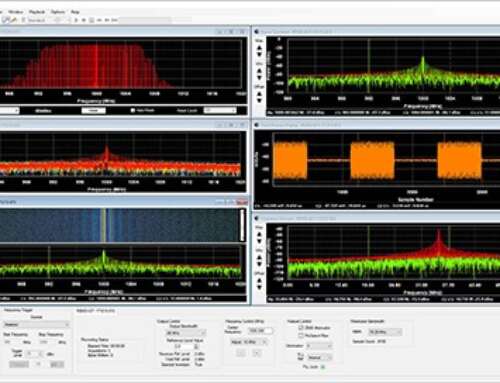
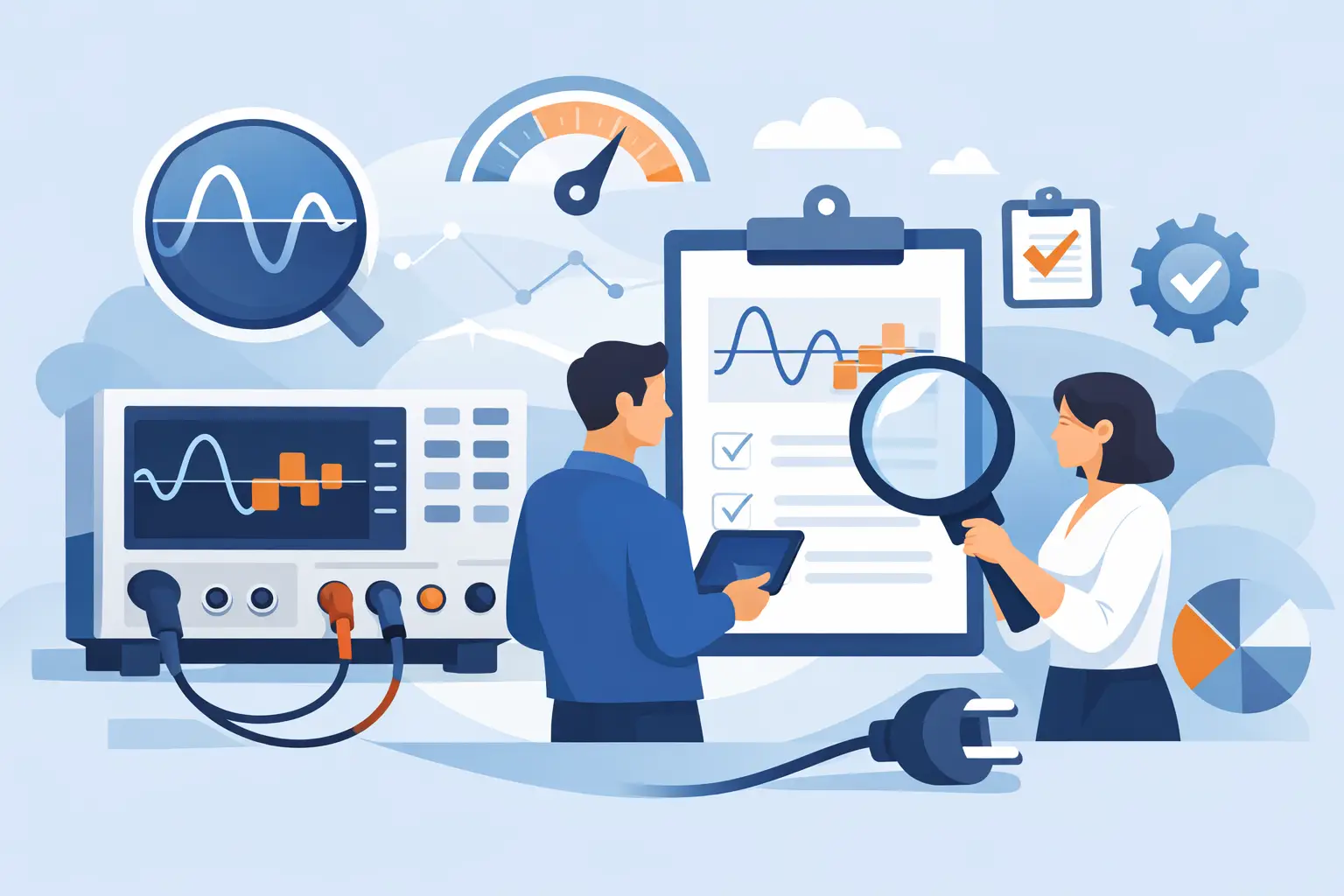
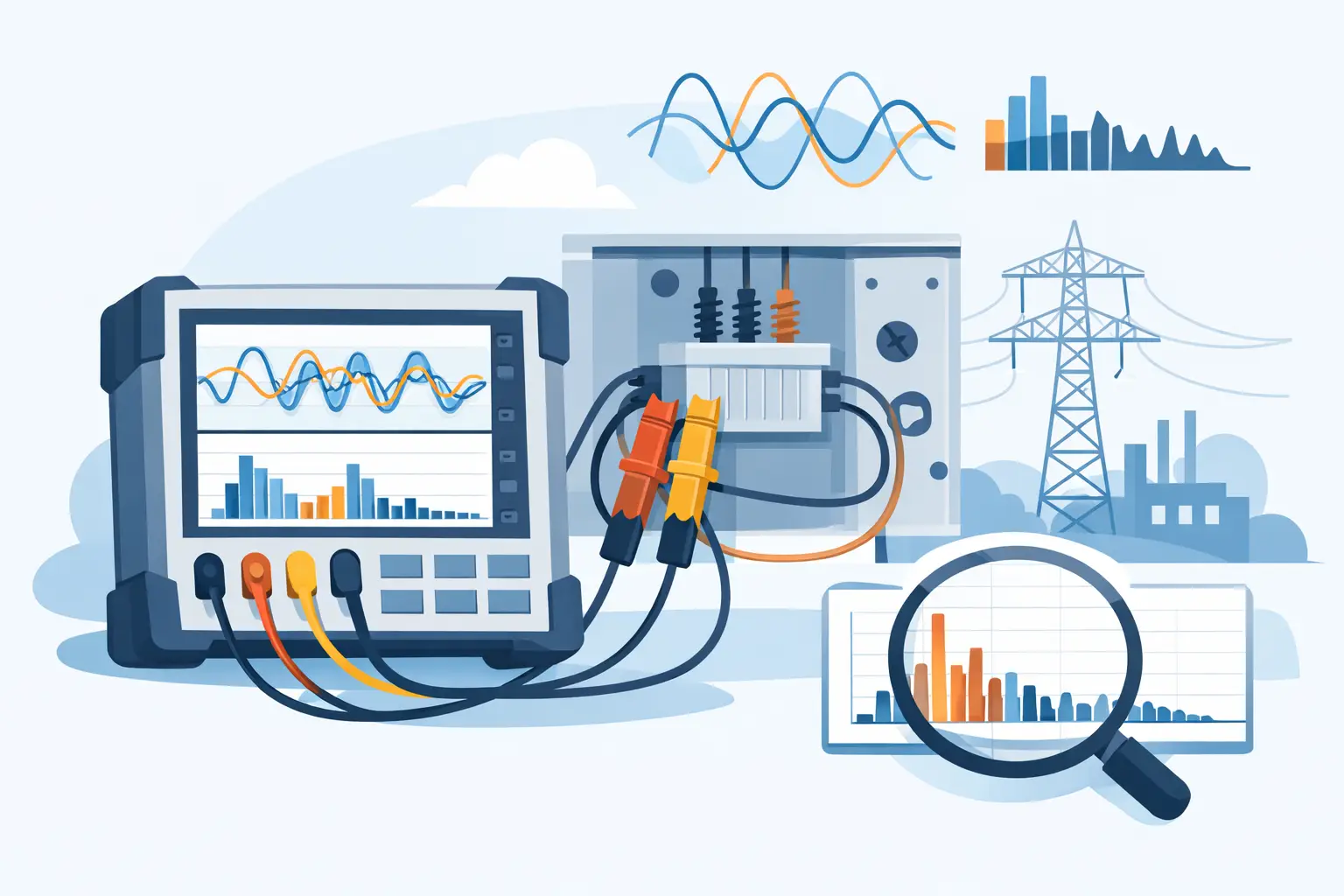
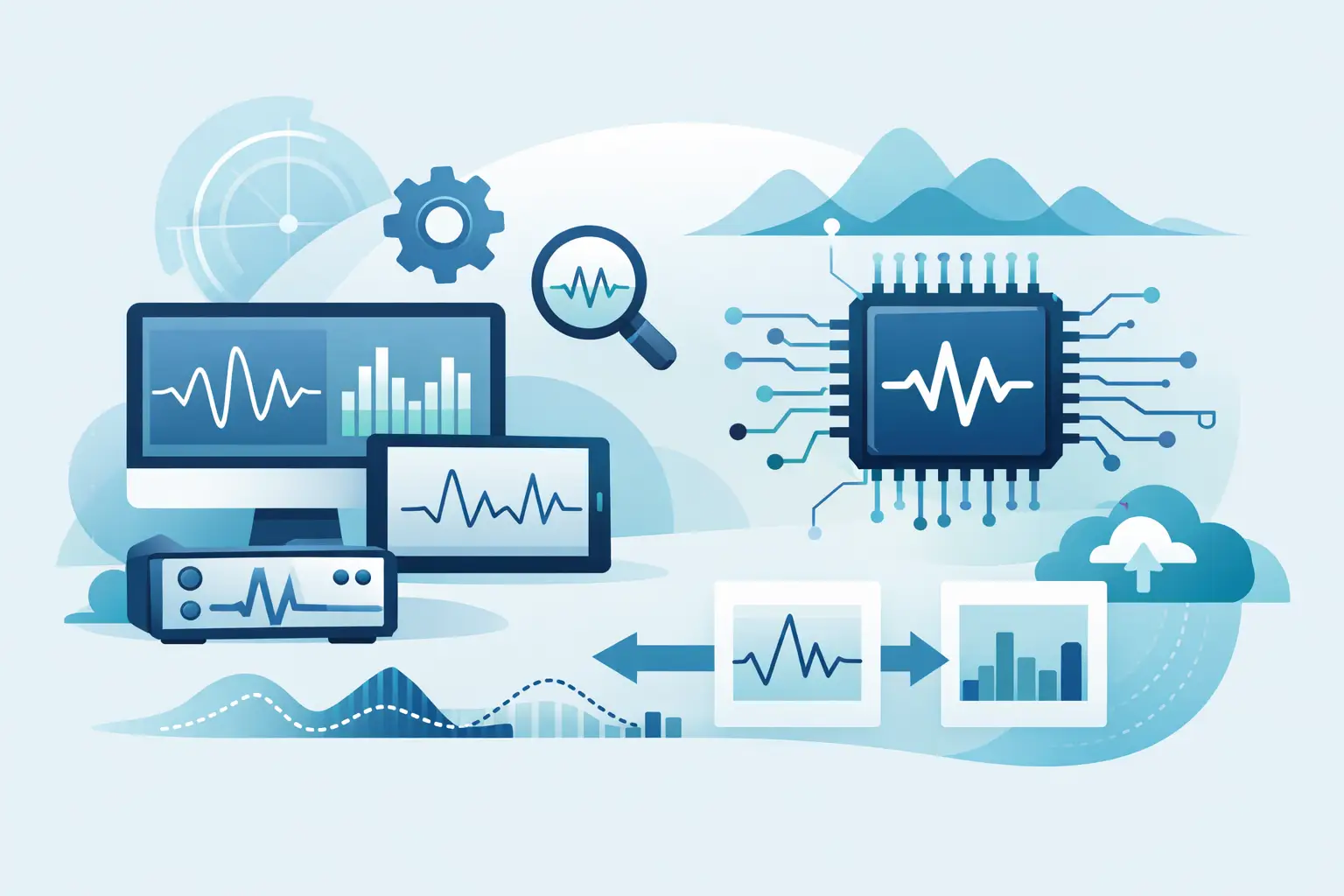
For review, useful capabilities include time-domain inspection, FFT and spectrogram views, adjustable decimation for fast navigation, markers, event annotations, and synchronized display of multiple channels. The objective is not visual complexity. It is reducing the time required to locate the portion of data that answers an engineering question.
Replay requires additional discipline. Confirm that the software can reproduce the required sample rate, amplitude scaling, channel relationship, and timing behavior through compatible hardware. If the record will drive a waveform generator, transmitter test path, or hardware-in-the-loop environment, verify format compatibility and scaling conventions before committing to a workflow.
Analysis software should also distinguish between display processing and permanent alteration. Filtering, decimation, or conversion may be appropriate for analysis, but the original recording should remain intact and identifiable. This is particularly important when results may support a failure investigation, customer acceptance decision, or regulated test record.
Integration Matters More Than a Polished Interface
A graphical interface is valuable for setup and interactive troubleshooting, but engineering organizations often need more. Automated test sequences, unattended recording stations, laboratory information systems, and custom analysis pipelines require software that can be controlled beyond the screen.
Assess whether the platform provides an SDK, programming examples, documented commands, and practical support for common engineering environments. APIs should allow users to configure acquisition parameters, start and stop recordings, monitor status, retrieve metadata, and handle errors programmatically.
This capability is especially relevant when recording is part of a larger validation process. A test manager may need acquisition settings tied to a test procedure. An R&D group may need each file named and indexed according to a device-under-test configuration. A production engineering team may need automatic pass/fail routing when a trigger condition occurs. Manual steps create variation, and variation weakens repeatability.
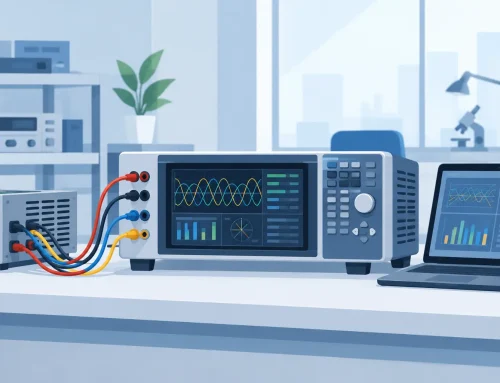
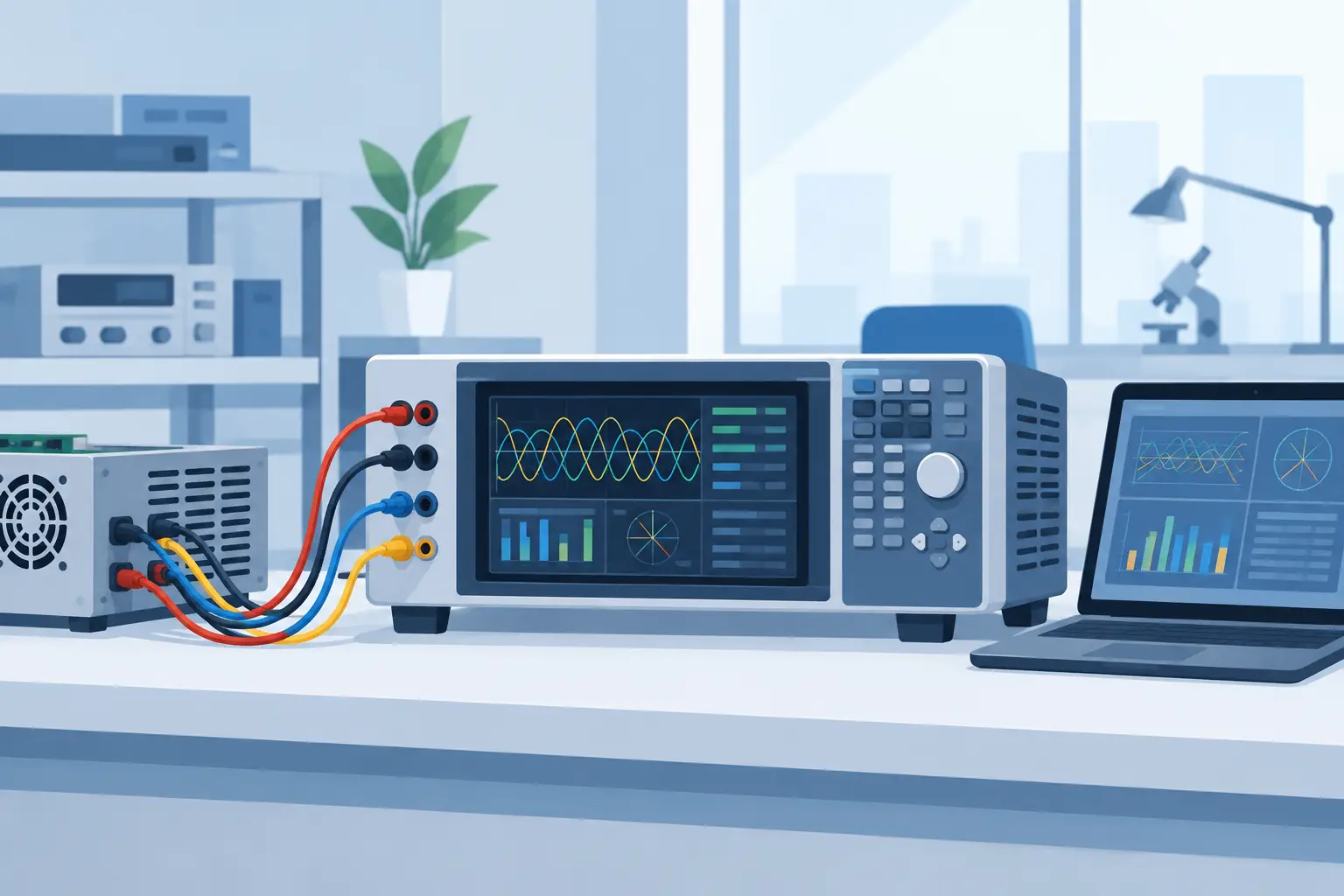
For systems built around high-speed digitizers, software and hardware should be selected together. GaGe RF and IF recording systems, for example, are designed around the relationship between acquisition hardware, data throughput, recording control, and application-level analysis. The system-level fit is more meaningful than a software feature comparison performed in isolation.
A Practical Evaluation Plan
Before purchasing, test the proposed configuration against a representative signal and realistic recording duration. Do not rely solely on a maximum sampling-rate specification. Request a demonstration that reflects the actual channel count, resolution, trigger method, disk configuration, and expected operating period.
Use the evaluation to answer several operational questions: Can the system record at the required sustained rate without sample loss? Can operators recognize an overload, clock problem, or storage limitation before a test is compromised? Can a recorded file be reopened months later with complete configuration context? Can the desired analysis package read the file accurately? Can the workflow be automated and documented?
Also evaluate supportability. High-performance recording systems are often deployed for years, sometimes across changing operating systems and test programs. Vendor documentation, calibration practices, technical support, software maintenance, and hardware availability affect lifecycle risk as much as the initial user interface.
The right recording software should make the acquisition process easier to trust. When a rare event occurs or a test result is challenged, engineers should be able to show what was recorded, how it was captured, and why the data is fit for the decision being made.